
Live 2FA codes
Keep authenticator codes next to the password they protect. Scan a QR code with your camera or from a screenshot.
Rising Vault keeps your logins, 2FA codes, cards, notes and files encrypted on your device. Sign in on your phone, laptop or PC and your vault is there, fully end to end encrypted.
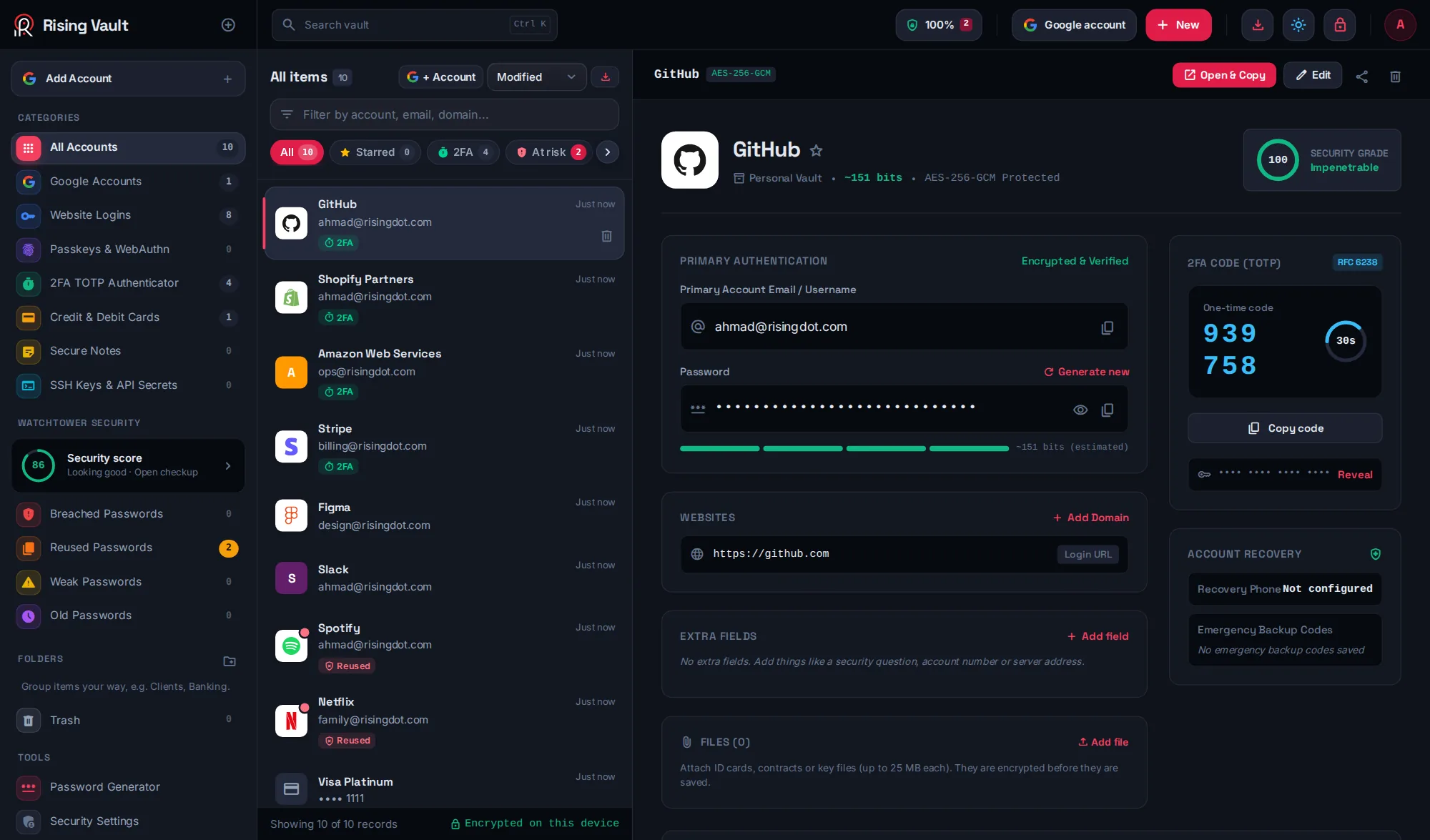
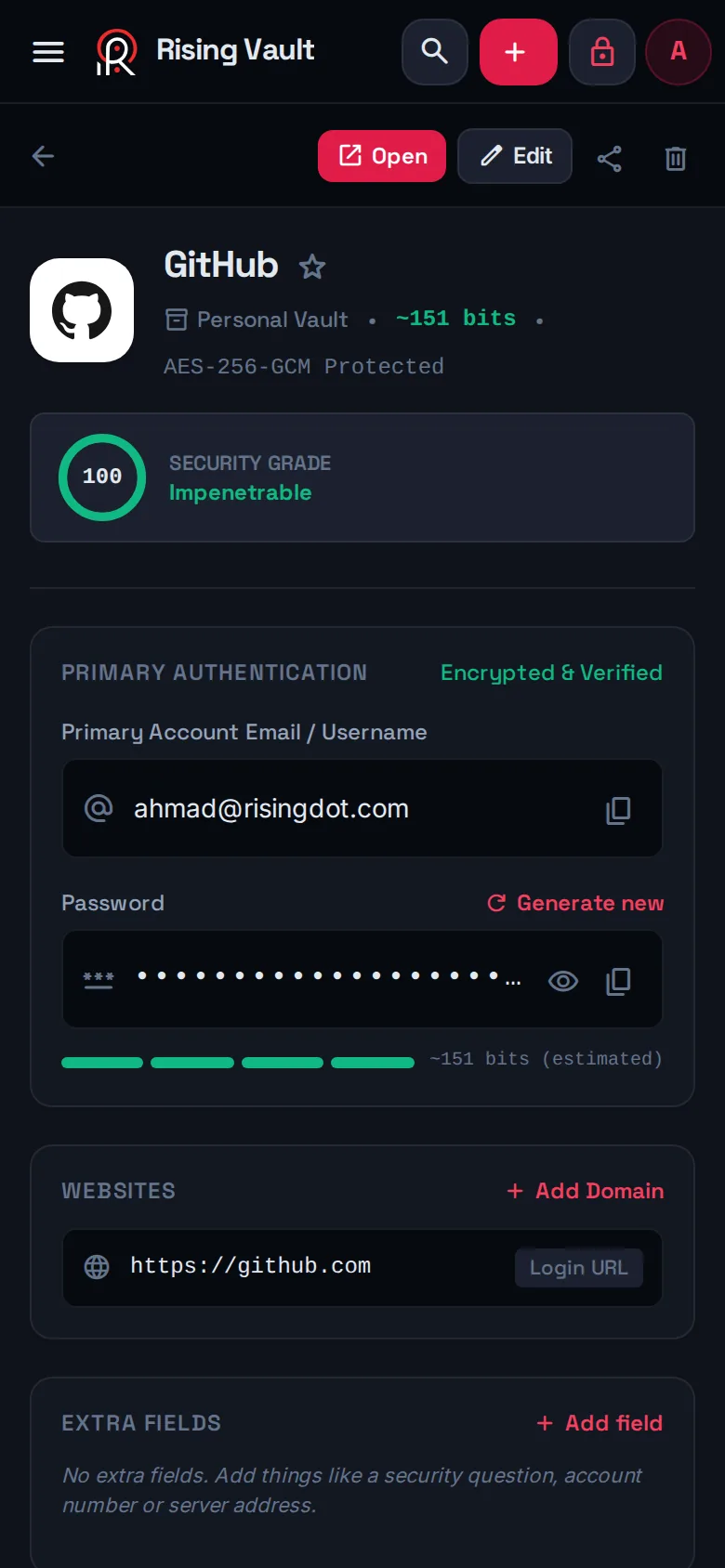
One vault on every device
Built for people who run many accounts: freelancers, agencies, families and small teams.
Keep authenticator codes next to the password they protect. Scan a QR code with your camera or from a screenshot.
All your Google logins in one place, with 2-Step Verification status, security keys, backup codes and a score for each account.
Watchtower finds weak, reused, old and breached passwords, and tells you what to fix first.
The Chrome and Edge extension fills logins on the right website only, and offers to save new ones.
Attach ID cards, contracts or key files up to 25 MB. They are encrypted before they leave your device.
Send one login with a link that expires after an hour or a few days, or after one view.
Share a vault with the people who need it, with owner, admin, editor and viewer roles.
A trusted person can request access to your vault. If you do not reject it in time, they get read-only access.
Unlock with Windows Hello, Touch ID, your phone's fingerprint or a PIN on your own devices.
Strong random passwords, or easy-to-type passphrases like pedicure-exposure-sappy-70.
Import from Chrome, Edge, Firefox, Safari, Bitwarden, LastPass or 1Password in a few clicks.
Organise your way. Deleted items wait 30 days in the trash, so nothing is lost by mistake.
Real screenshots from the app, in dark and light mode.
Rising Vault is zero knowledge. Your master password never leaves your device, and nothing we store can be opened without it.
It is turned into a key on your device with Argon2id, a slow, memory-hard function that makes guessing very expensive.
Every login, code, card and file is sealed with AES-256-GCM before it is saved or synced.
Our server keeps an encrypted copy so your other devices can download it. It cannot open it.
Each account has its own vault. Other users, and even we, cannot see your items. The database only returns rows that belong to the signed-in account.
Your email is stored so you can sign in. Everything else is ciphertext. Breach checks send only the first 5 characters of a password hash.
There is no way to reset the master password, for you or for anyone else. Keep an encrypted backup with one click from the app.
Use the same email and master password everywhere and your vault follows you.
Works in any modern browser. Nothing to install.
Best for trying Rising Vault right now.
Windows 10 and 11, 64-bit
Apple Silicon and Intel
Ubuntu, Debian, Fedora and more
chmod +x Rising*.AppImage, then open it.sudo apt install ./RisingVault-Linux-amd64.deb.Fill and save logins on websites
Chrome Web Store listing coming soon.
chrome://extensions (or edge://extensions) and turn on Developer mode.Installs from Chrome in seconds
Add it to your home screen from Safari
Every feature, on every device. Paid plans come later, and early users will hear about them first.
For individuals, families and small teams
On your device, encrypted. If you use an online account, an encrypted copy is also kept on our server so your other devices can download it. The server only ever has the locked version.
No. Your master password never leaves your device, and without it the stored data is unreadable. That is what zero knowledge means.
No. Every account has its own vault. The database only returns data that belongs to the signed-in account, and even then it is encrypted with a key only you have.
Open Rising Vault on the new device, choose I have an account, and sign in with the same email and master password. Your vault downloads and unlocks there.
Nobody can recover it, including us. That is the price of real privacy. Keep an encrypted backup from the app, and consider emergency access for a trusted person.
Yes, every feature is free during early access. When paid plans arrive there will still be a free plan, and your existing data stays yours.
Export a CSV from Chrome, Edge, Firefox, Safari, Bitwarden, LastPass or 1Password, then use Import in Rising Vault. It takes about a minute.
It takes less than a minute. No credit card needed.